





















Zendesk markdown is a "language" for formatting text inside Zendesk. It allows you to easily add bolding, bullet points, italics and other formatting into your tickets and macros simply by adding some symbols.
This formatting helps your customers get the information they need faster. It makes communications easier to read and understand, especially if you're sending a long reply, ie 'let me tell you what happened with your order.'
Zendesk Markdown access
Zendesk Markdown is available for anyone using the Essential, Team, Professional or Enterprise plan on Zendesk, and it applies to a whole account, not individual agents.
Before you can start using Markdown, you'll need to Enable the feature using an Administrator account.
Enabling Markdown / Zendesk Formatting
There are two formatting options available:
- Rich Content: This option will add a toolbar into your ticket and agents can simply use this Toolbar to add images and styling. They'll be able to see instantly how the stylized content will look as they make changes.
- Markdown: To make any changes, agents can use a specific markdown syntax. For example, adding two asterisks like this **Hello** will add bolding. (Customer will see it as Hello from their end) a Preview button will be added into all tickets. Agents can click on this to check the formatting.
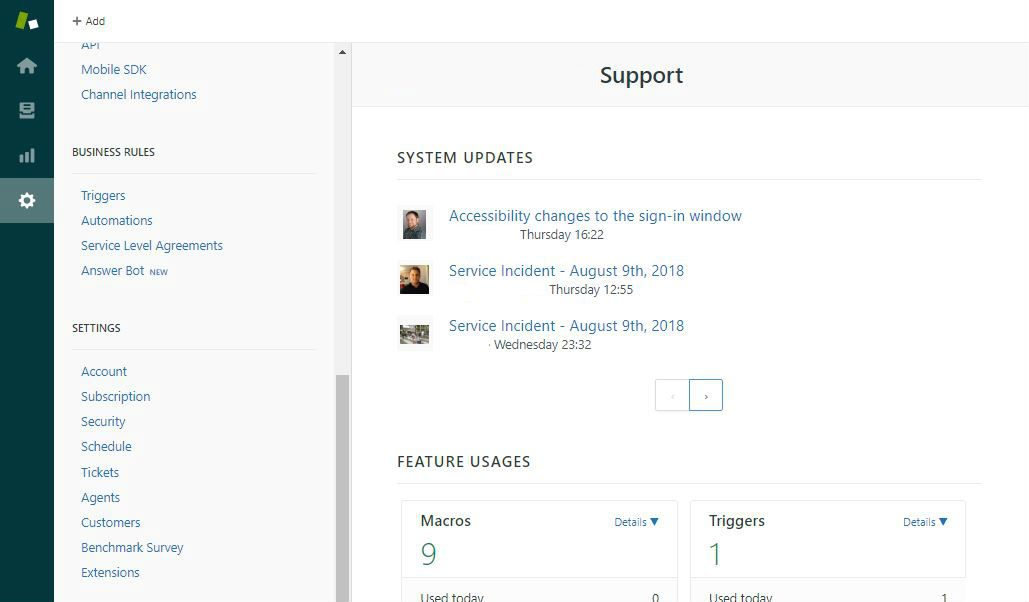
To enable either one of these, you can simply click on the Admin icon (wheel) in the sidebar, scroll down to the last section which is "Settings" and click on "Tickets" as seen below.
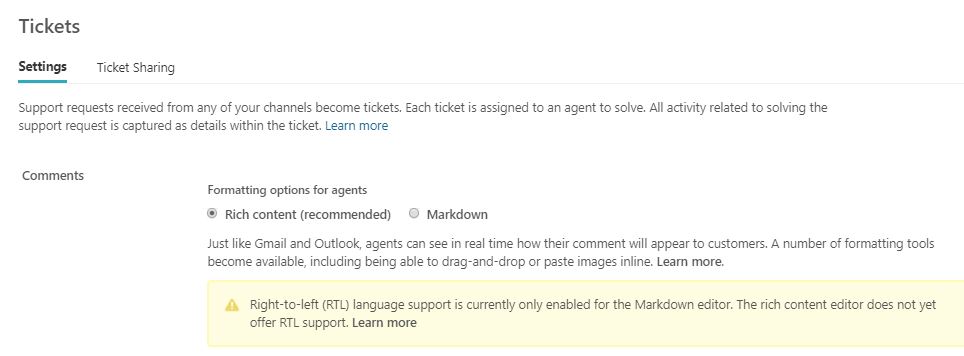
Once opened, you can simply select either Rich Content or Markdown, scroll down again to "Save Tab" and save the update, and refresh your account to see the change.
Using Rich Content / Markdown inside a ticket
Here's how that Rich Content toolbar looks.
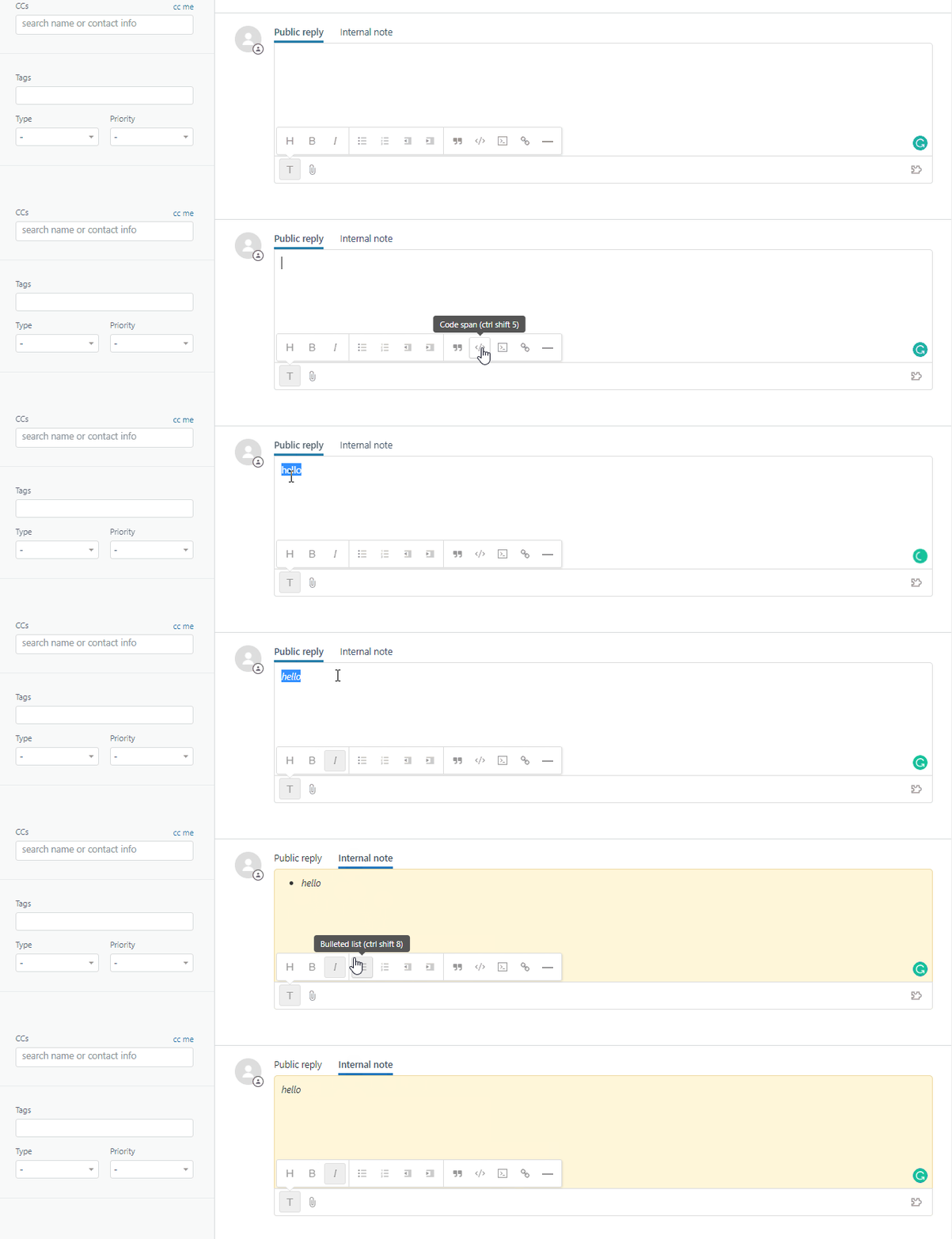
As for Markdown, this is how that area will appear
Note: if the "Preview" button on top right is not there, then the markdown setup has not been completed correctly and any responses sent will be sent as is with no formatting.

Zendesk has a useful breakdown of the different types of markdown syntaxes you can use and how they all look. You will find that here.

More Zendesk Tutorials
Find this tutorial helpful? We've published a few more:
Get started with Influx
Influx was established in 2013 & has been trusted by 750+ brands globally, ranging from startup to scale.
Influx builds 24/7, near-shore global customer support teams. We provide fully managed, flexible & high-performance agents. Our services range from eCommerce support, tech support, sales support, AI Management, Enterprise solutions and more to give you the customer assistance you need to prioritize other responsibilities and continue scaling your business.
Make your support operations fast, flexible, and ready for anything with experienced, 24/7 support teams working on demand. See how brands work with Influx to deliver exceptional customer support or get a quote now.

Case studies
See how companies work with Influx to deliver flexibility and scale.
 Dedicated agents enable internal team to focus on the business during 142% growth
 100% end-to-end omnichannel customer support in 6 languages across 7 platforms
 100% customer support for 2x seasonal ticket spikes from 6 dedicated agents
Read more client testimonials or case studies
 6 Circle - small.png)